Where should account security start?
This guide is about keeping strangers out of your account. Two neighbouring guides cover related ground: sharing account access safely explains how to let a manager or agency in without losing control, and staying anonymous as a creator covers keeping your real identity private.
Settings and menus change, so use the security options your platform currently offers and check its help pages for the up-to-date steps.
Use a long password that you have never used anywhere else. When one website is breached, attackers try the same email and password on others, so reusing a password puts every account that shares it at risk.
A password manager makes this practical. It creates and remembers a different strong password for each account, so you only need to remember one. Protect the password manager itself with a strong passphrase and two-factor authentication.
Why does two-factor authentication matter?
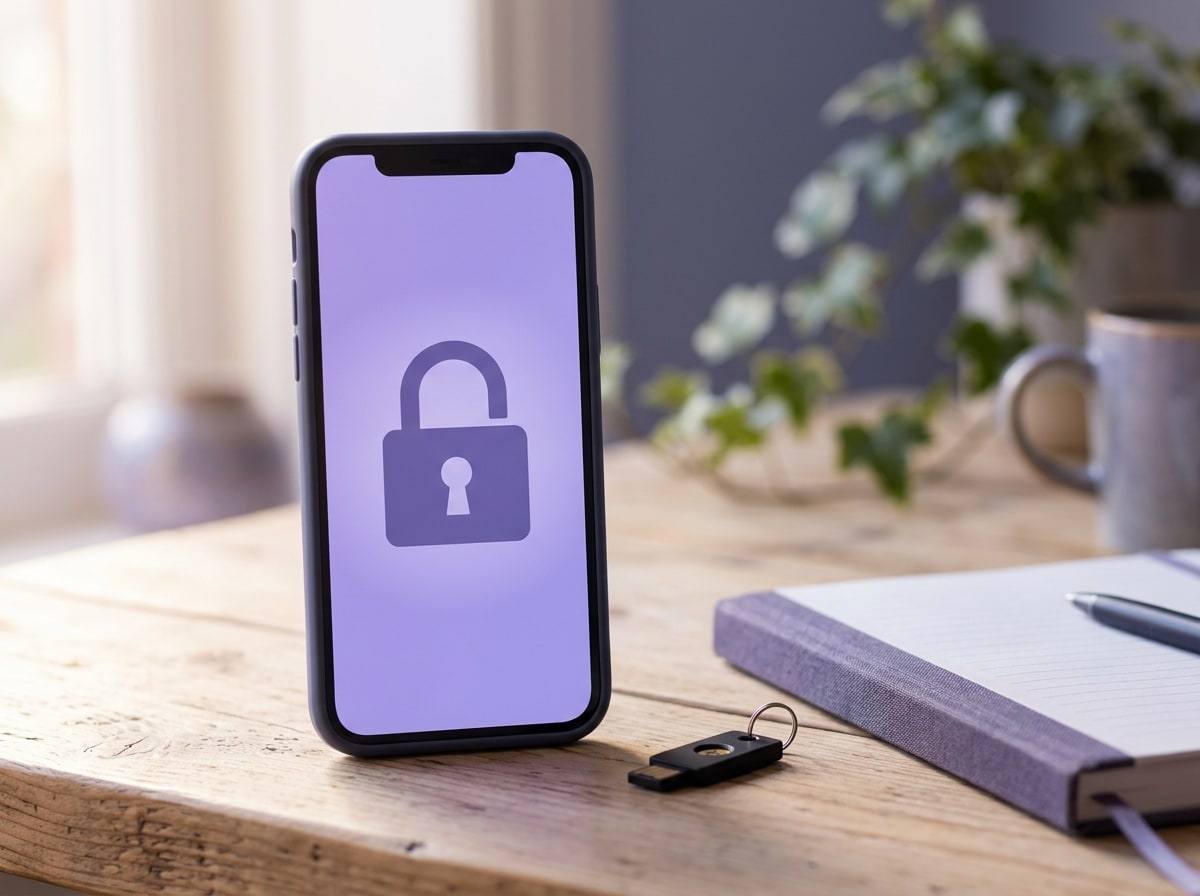
Two-factor authentication asks for a second proof, usually a code from an app or a text message, as well as your password. Even if someone learns your password, they cannot sign in without it.
Where you have a choice, an authenticator app on your own phone is generally harder to intercept than a text message. Save the backup or recovery codes somewhere safe and offline, so you can still get in if you lose your phone. Keep two-factor authentication linked to your own device, never someone else’s.
Why is my login email so important?
Whoever controls the email address your account is registered to can usually reset the password. That makes it the master key. Give it its own unique password and two-factor authentication, keep it separate from your personal email, and check its recovery phone number and backup email are ones you control.
Never hand this email address to anyone else, including a manager.
What do the common threats look like?
Most of these rely on tricking you rather than breaking anything technical.
| Threat | What it looks like | What protects you |
|---|---|---|
| Phishing | An email or message with a link to a fake login page, often warning your account will be closed | Only sign in by typing the address yourself or using the app; check the sender |
| Fake “support” | Someone claiming to be from the platform asks for your password, login code or ID | Real support will not ask for these; contact support through the platform’s own help pages |
| Reused password | A breach on another website gives attackers your email and password | A unique password for every account, kept in a password manager |
| SIM swap | Your phone suddenly loses signal as someone moves your number to their SIM | An authenticator app, a PIN on your mobile account and saved recovery codes |
| Lost or shared device | A phone or laptop left signed in, or used by someone else | A screen lock, signing out of old devices and reviewing active sessions |
| Payout change | Bank or payout details changed without you knowing | Payout and login alerts turned on, and a monthly check of payout settings |
How do I keep devices, payouts and backups in check?
- Once a month, look at the list of active sessions or signed-in devices and sign out of anything you do not recognise.
- Keep your phone and computer updated, and use a screen lock.
- Turn on any alerts your platform offers for new logins and for changes to email, password or payout details.
- Check your payout details every month, even when nothing seems wrong.
- Keep a written list of anyone with access, as our access guide explains, rather than relying on memory.
Back up your own content too. Keep original copies, and a simple record of your prices and content plan, somewhere you control, such as encrypted storage with its own strong password. If an account is ever lost or suspended, you can rebuild without starting from nothing. Backups also help prove ownership if content is shared without permission, as our guide on what to do if your content is leaked explains.
What should I do if I think I am compromised?
- Secure your login email first: change its password, turn on two-factor authentication and sign out of other sessions.
- Change your platform password and sign out of all sessions.
- Check two-factor authentication is still on and linked to your device.
- Check payout and bank details, and your recent messages, posts and prices, for changes.
- Contact the platform’s support team through its own help pages and explain what happened.
- Change any other account that used the same password.
- If money has been taken or you are being threatened, report it to the police.
What are the red flags?
- A message asking for your password, login code or ID, however official it looks.
- A login alert, password reset or two-factor prompt you did not request.
- Your phone losing signal for no clear reason.
- Payouts that are lower than your dashboard suggests, or payout details you do not recognise.
- Anyone, including a manager, asking to take over your login email or two-factor device.
How Pout approaches this
Pout is an independent creator management agency for OnlyFans and Fansly. The account, the login email, two-factor authentication and payouts stay with the creator, and any access we have is agreed in writing and can be removed at any time. Our account support work includes a regular security check, reported in plain English.
Written by the Pout Marketing Team. This guide is general information, not legal, tax or financial advice. Platform features and rules change, so check your platform’s current terms. Last checked .